 INDEPENDENT SPREADSHEET
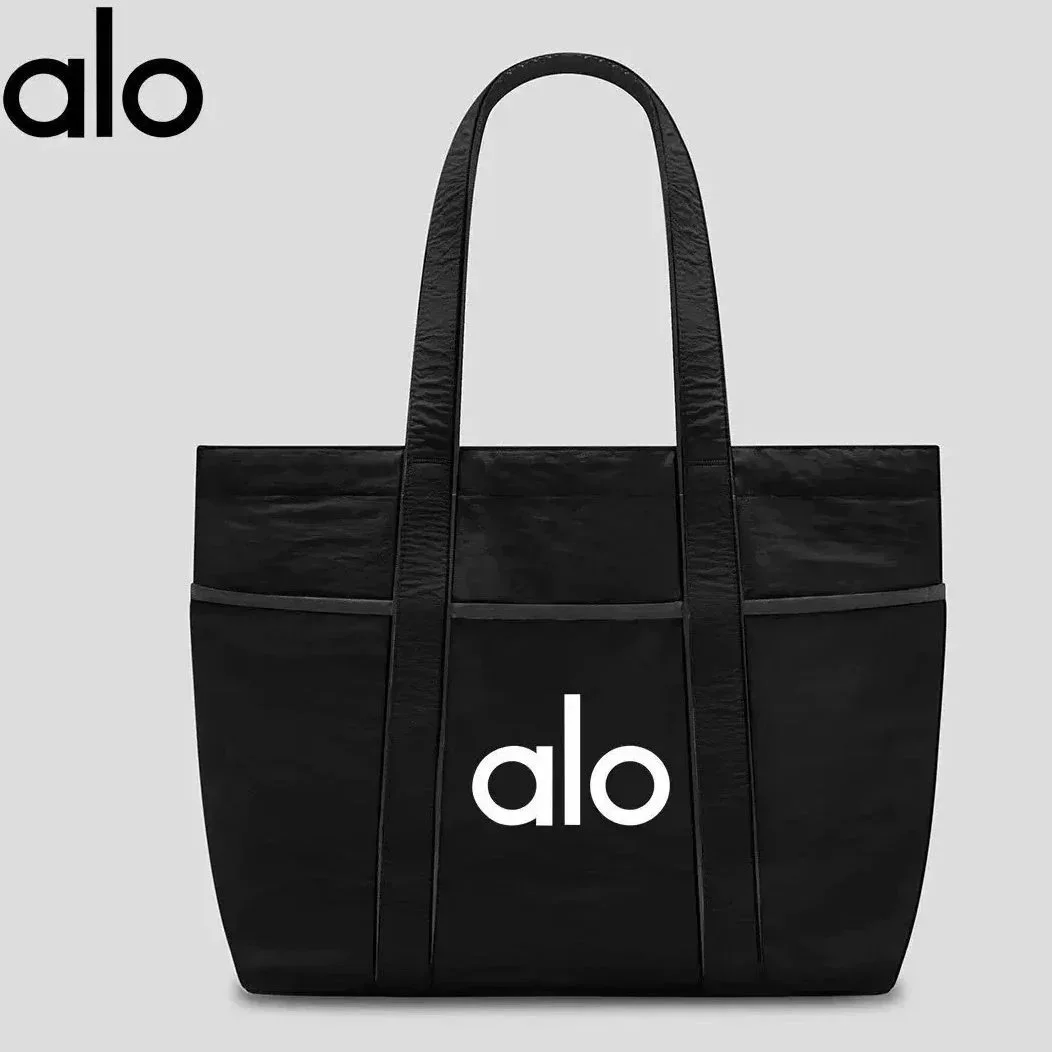 29 QC photos
Alo Black Tote Bag
186 g package reference
THE ORIENTDIG FINDS EDIT
Choose a bag around what you carry. This Orientdig bag spreadsheet brings together different catalog brands and shapes with price estimates and photo references. Begin with the items that must fit, then compare opening, handles, strap and compartments on the exact catalog listing.
Measure your largest everyday item, including its case if you use one. Compare it with the bag’s stated internal space and opening; an exterior size alone may not answer your storage question.
A LITTLE VARIETY. A CLEARER SHORTLIST.
Different brands. No repeated picks.
29 QC photos186 g package reference
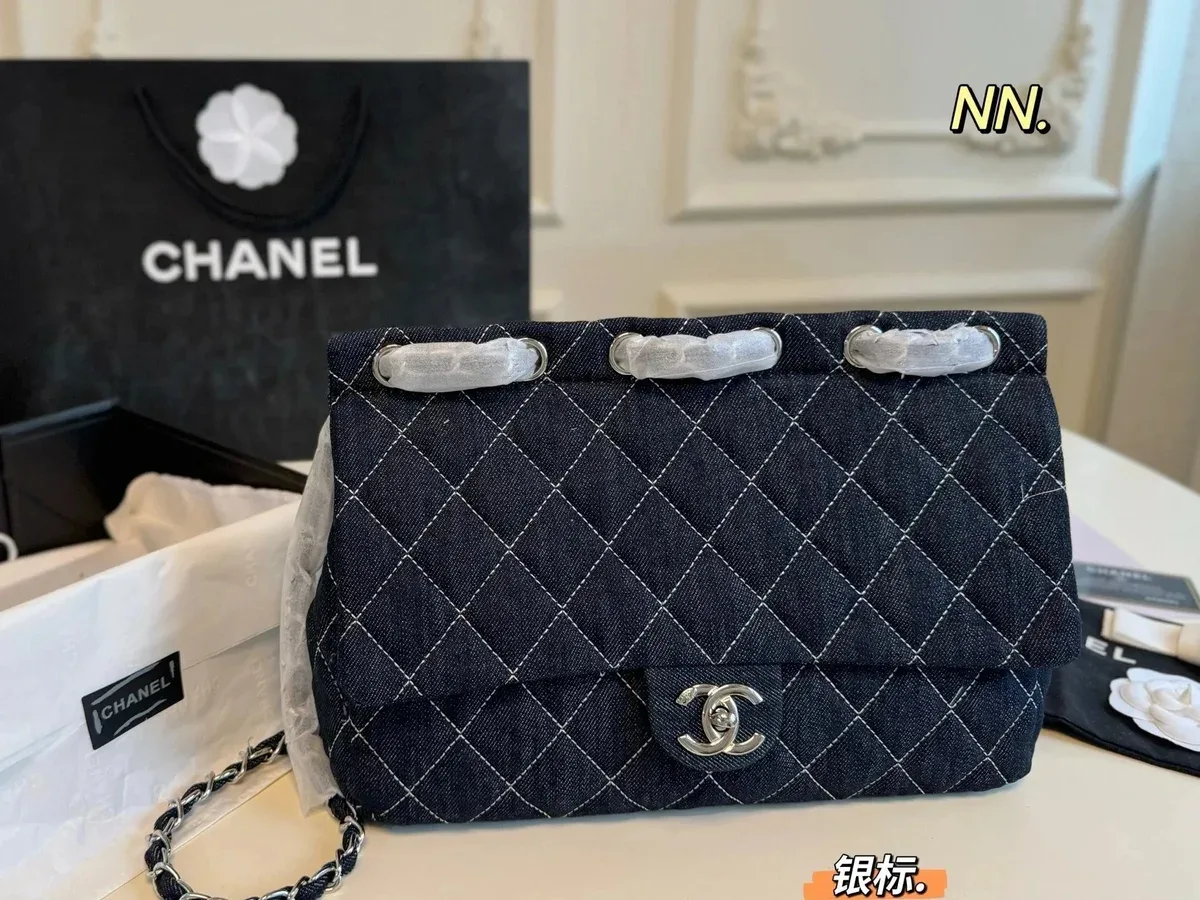 50 QC photos
675 g package reference
 16 QC photos
835 g package reference
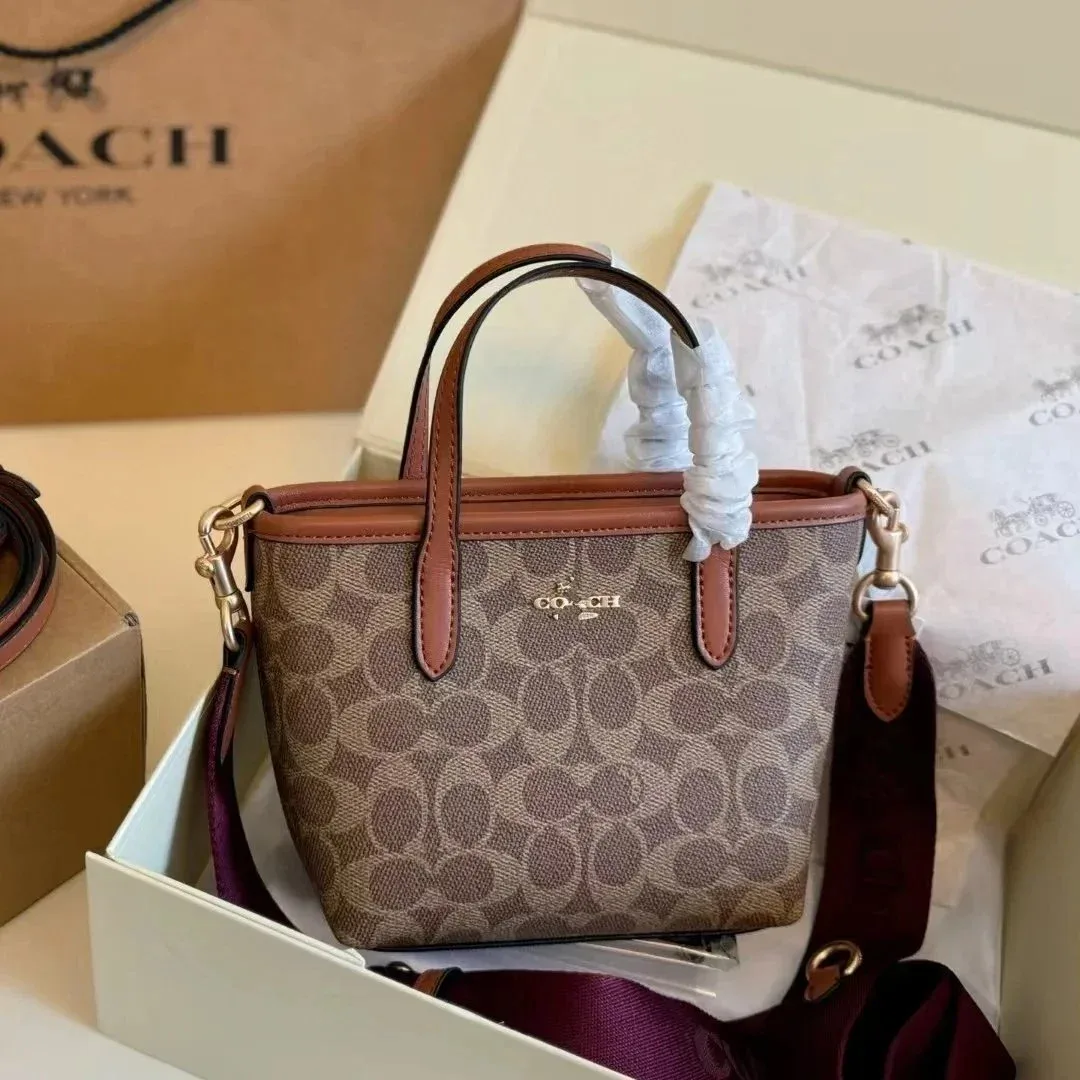 2 QC photos
Item price estimate · shipping extra
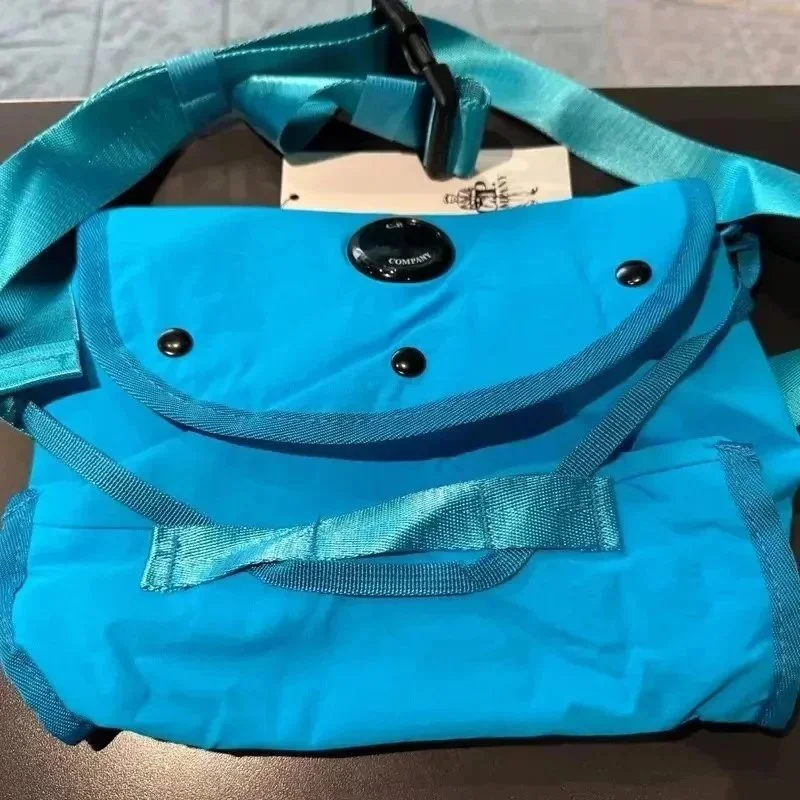 3 QC photos
205 g package reference
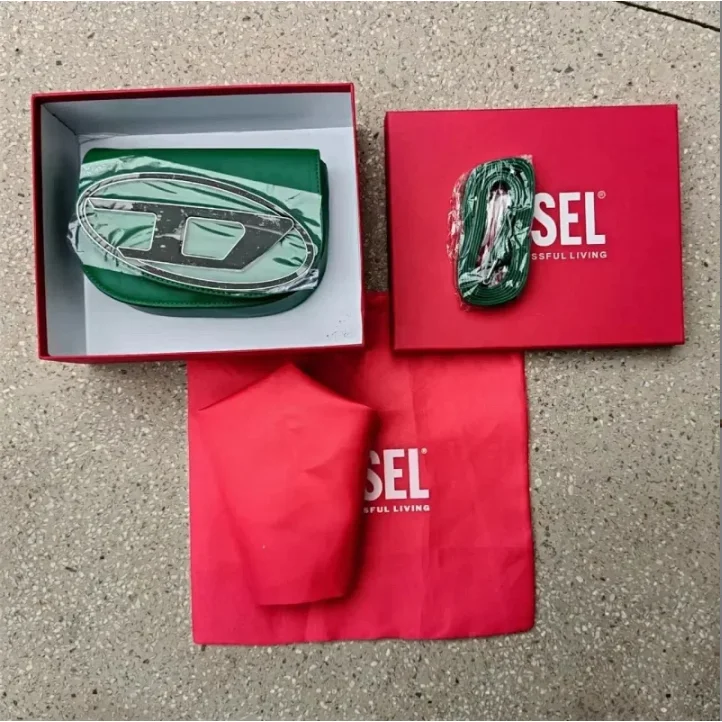 4 QC photos
Item price estimate · shipping extra
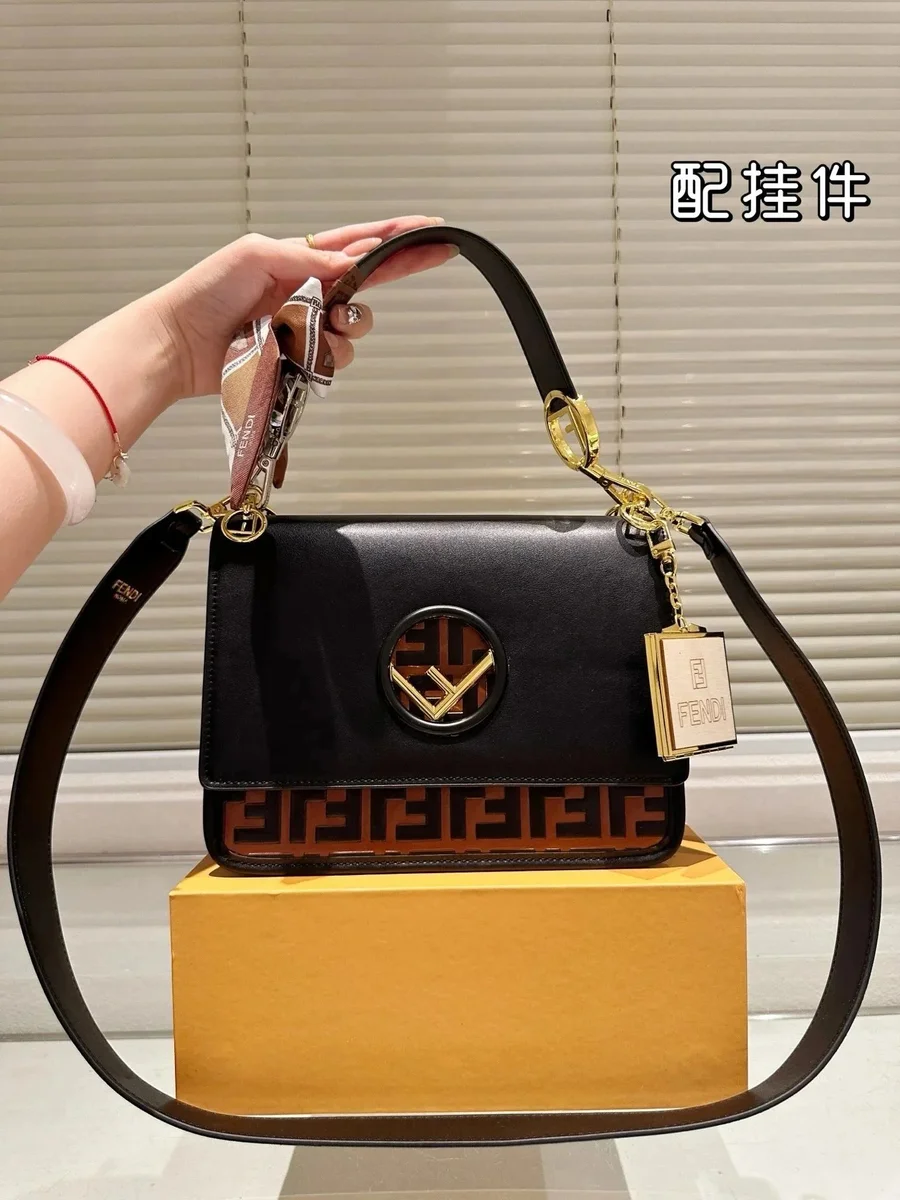 12 QC photos
1246 g package reference
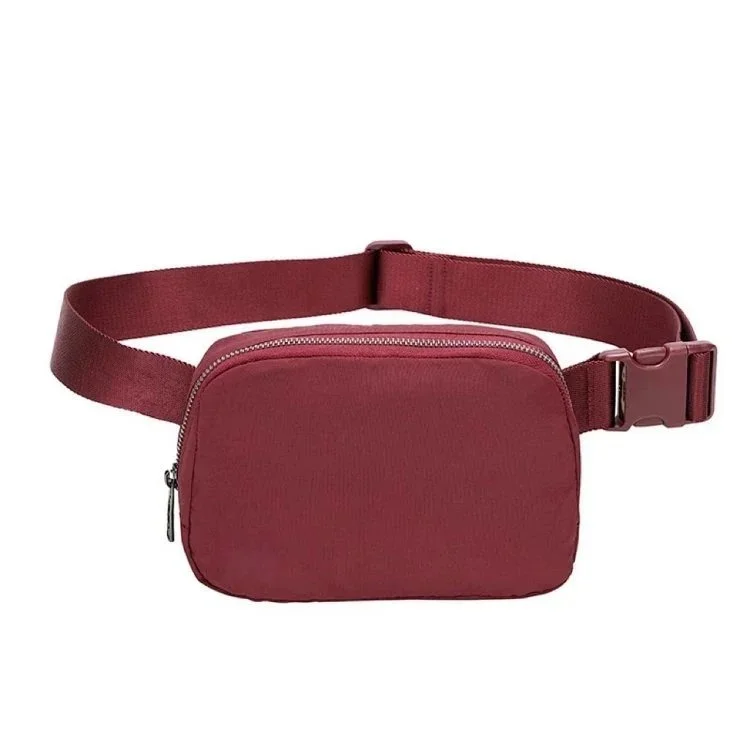 150 QC photos
257 g package reference
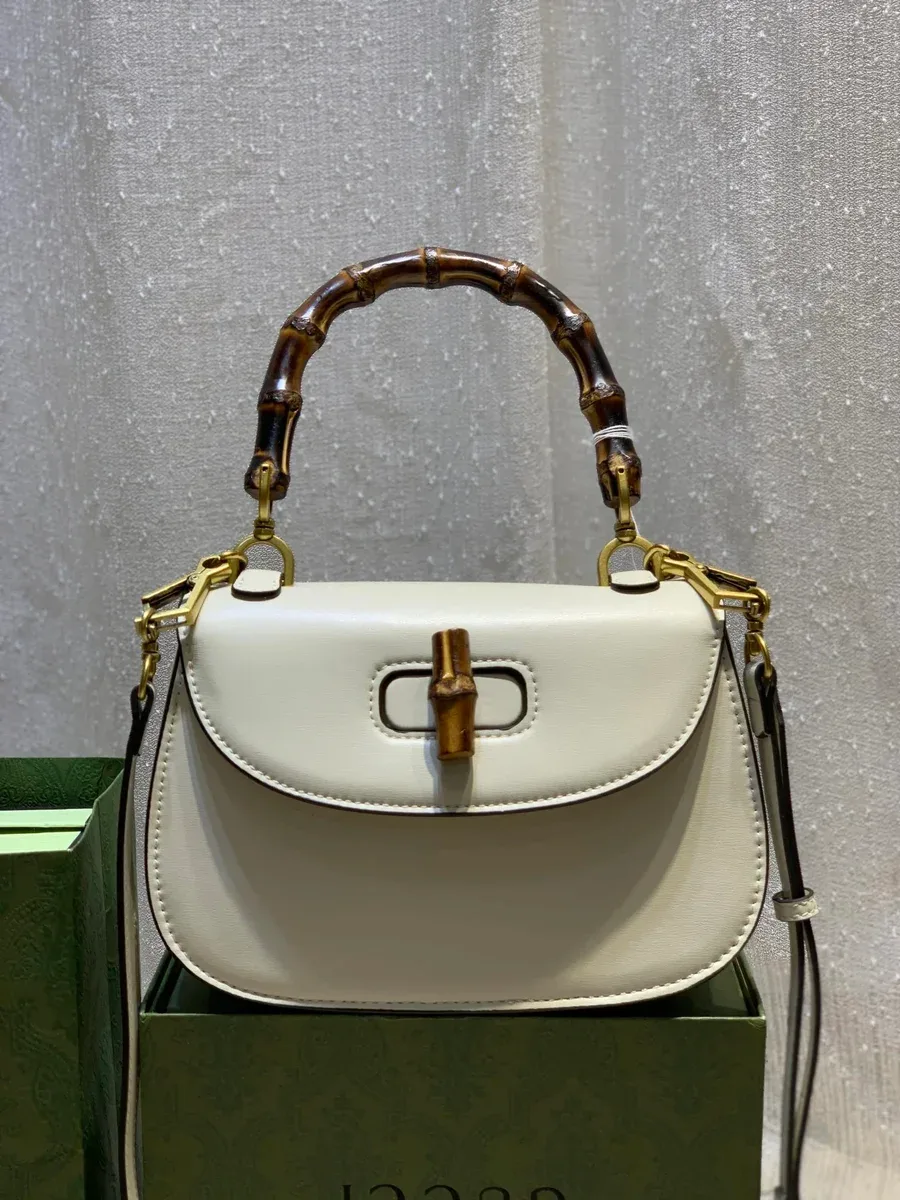 48 QC photos
294 g package reference
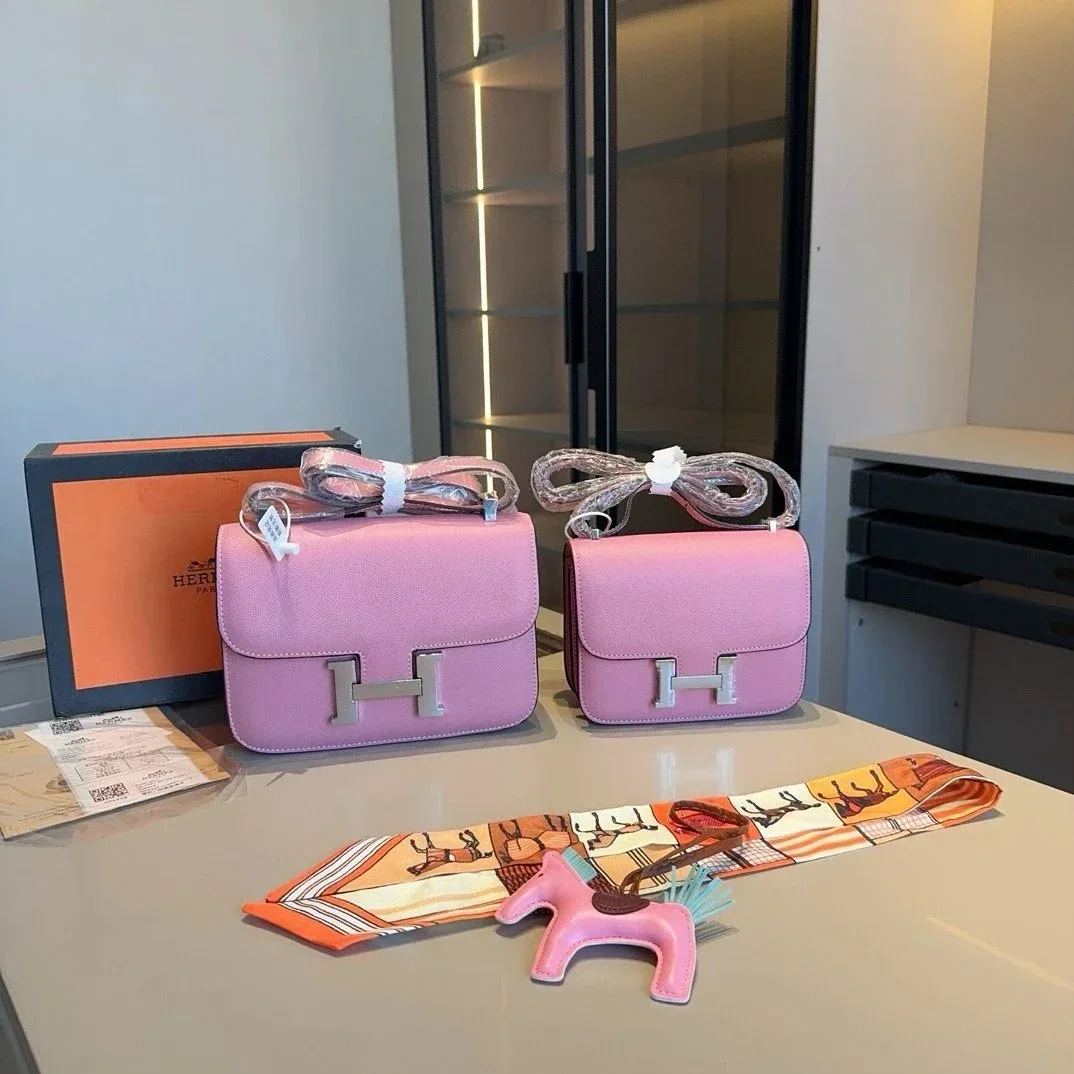 9 QC photos
680 g package reference
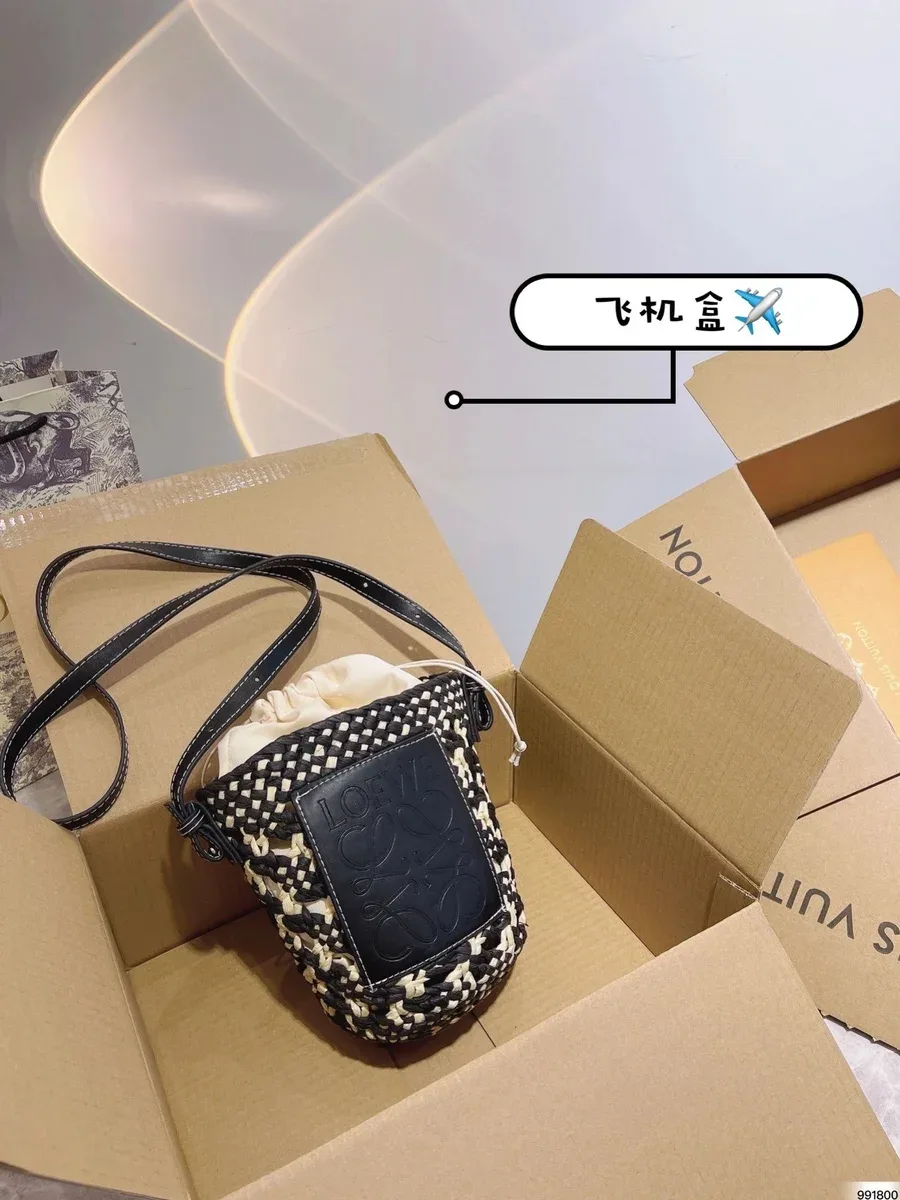 35 QC photos
1107 g package reference
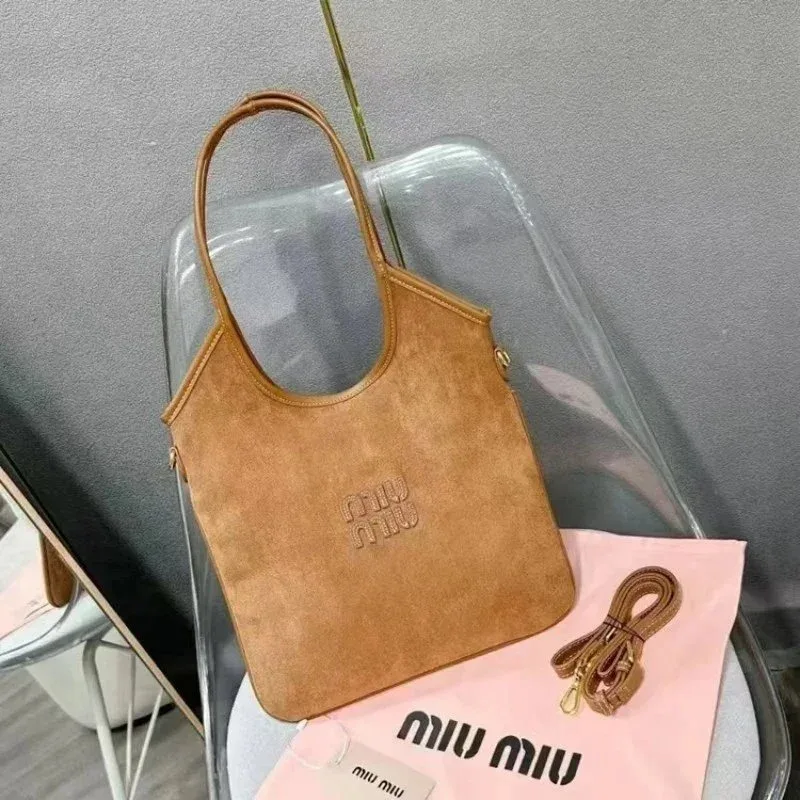 4 QC photos
Item price estimate · shipping extra
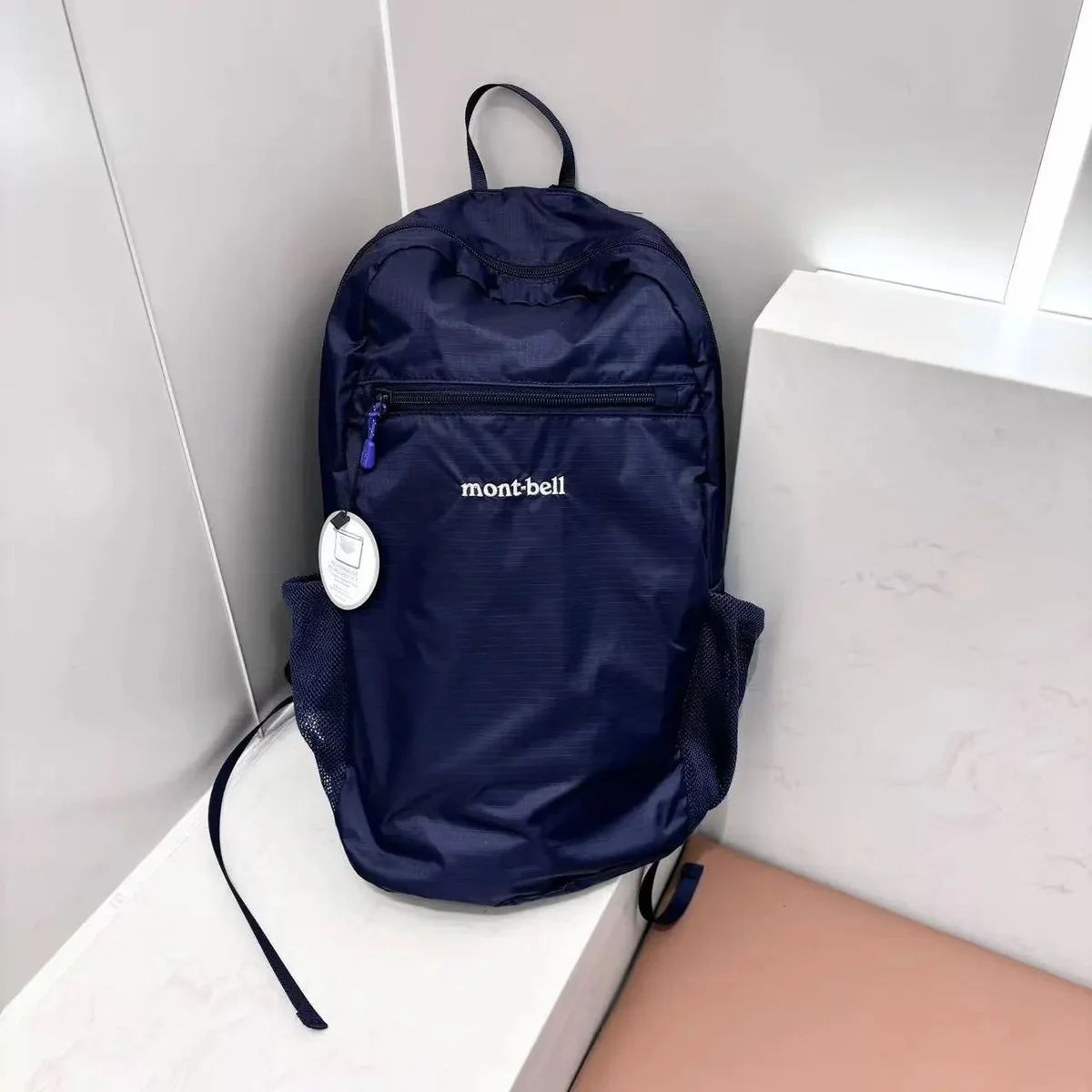 34 QC photos
775 g package reference
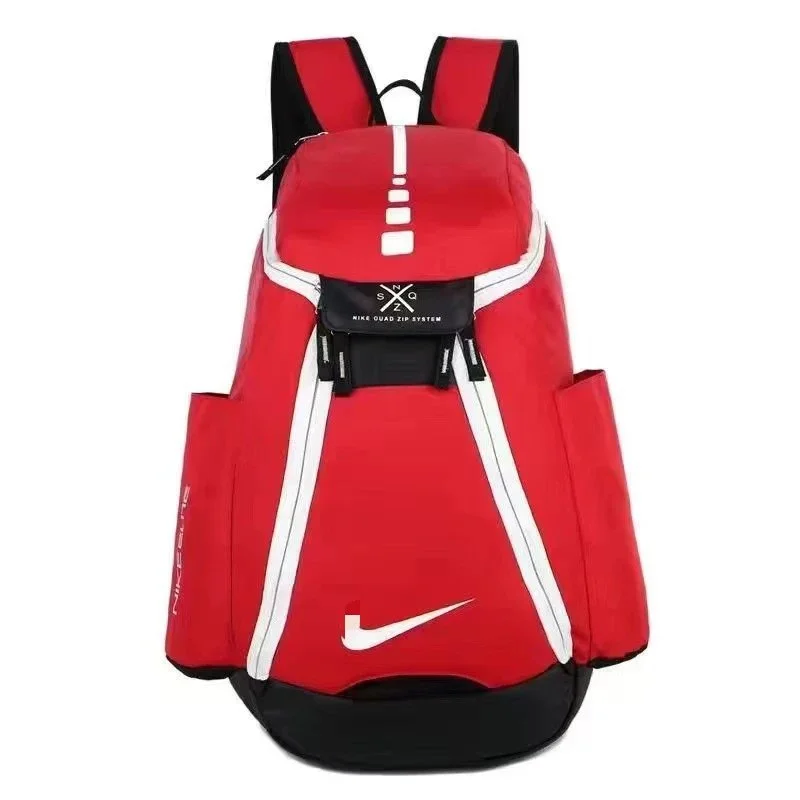 2 QC photos
Item price estimate · shipping extra
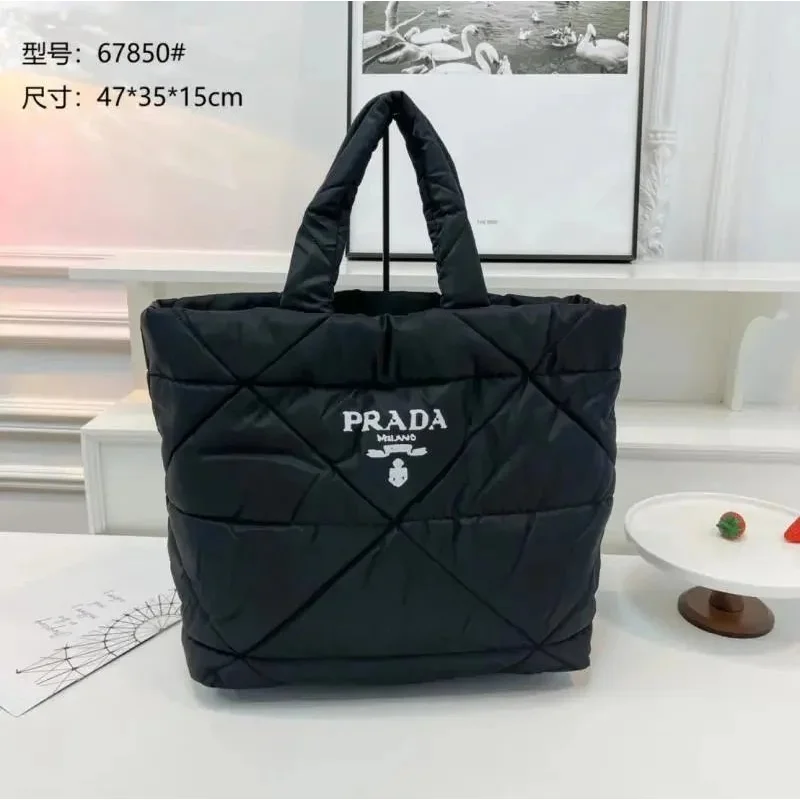 22 QC photos
1040 g package reference
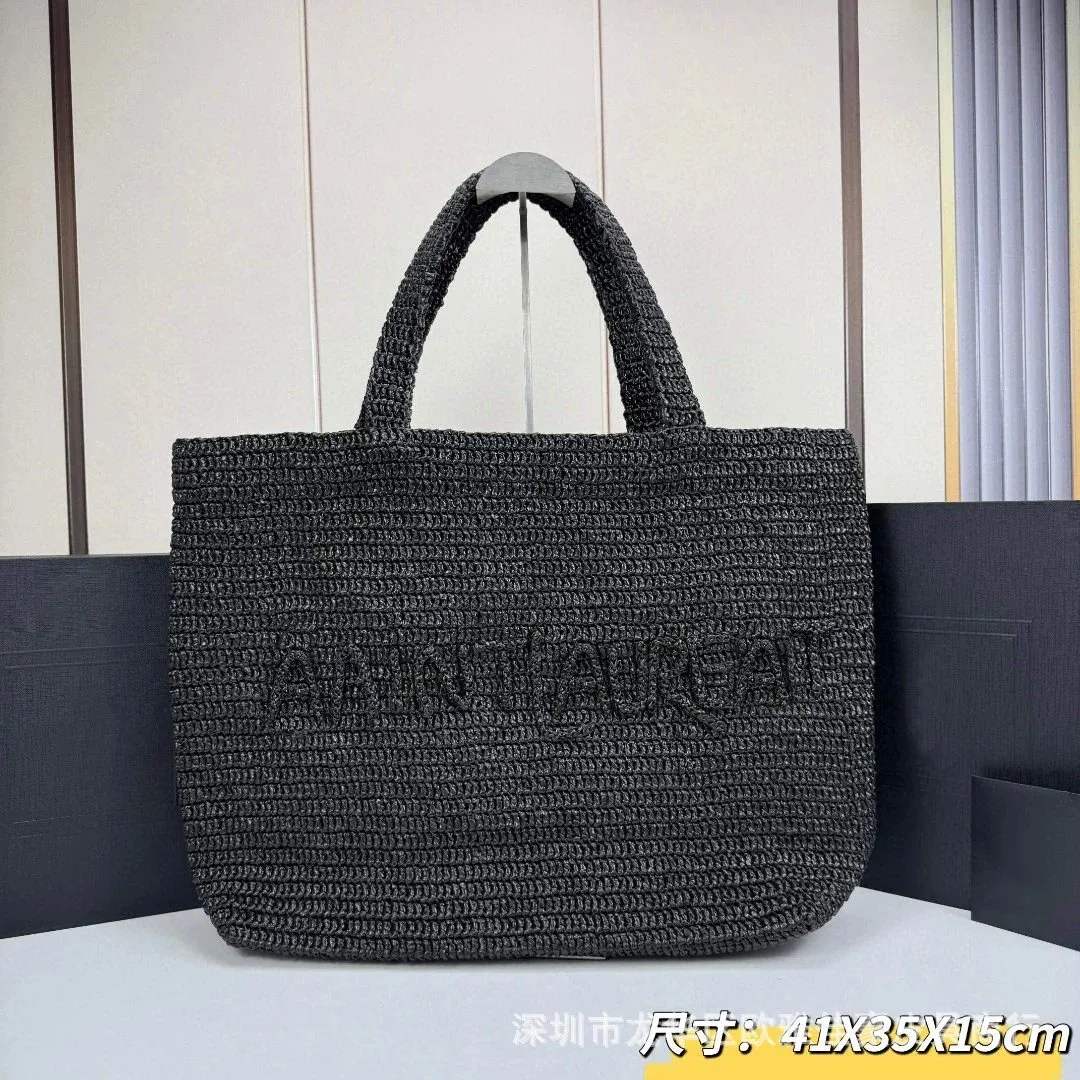
Item price estimate · shipping extra
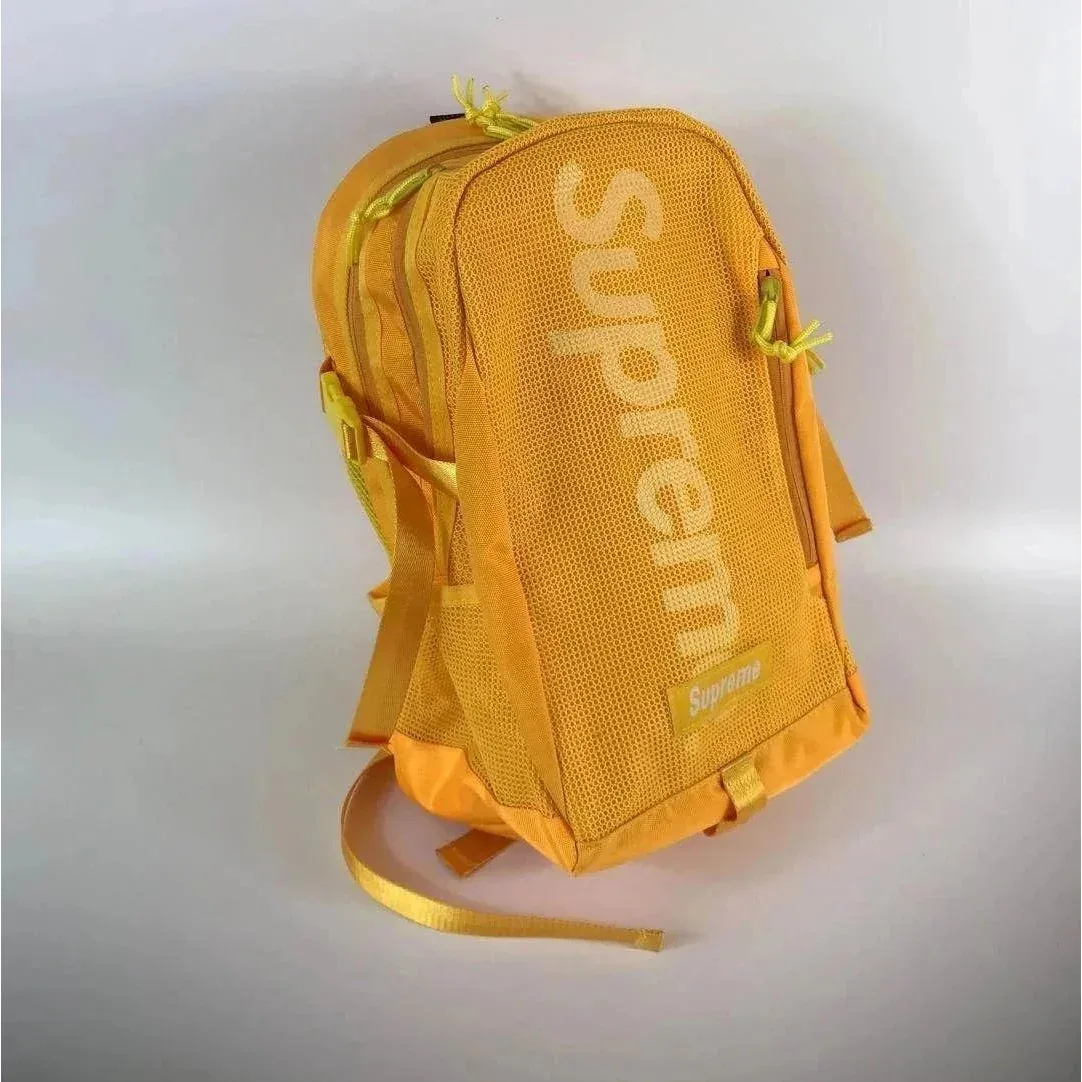 4 QC photos
Item price estimate · shipping extra
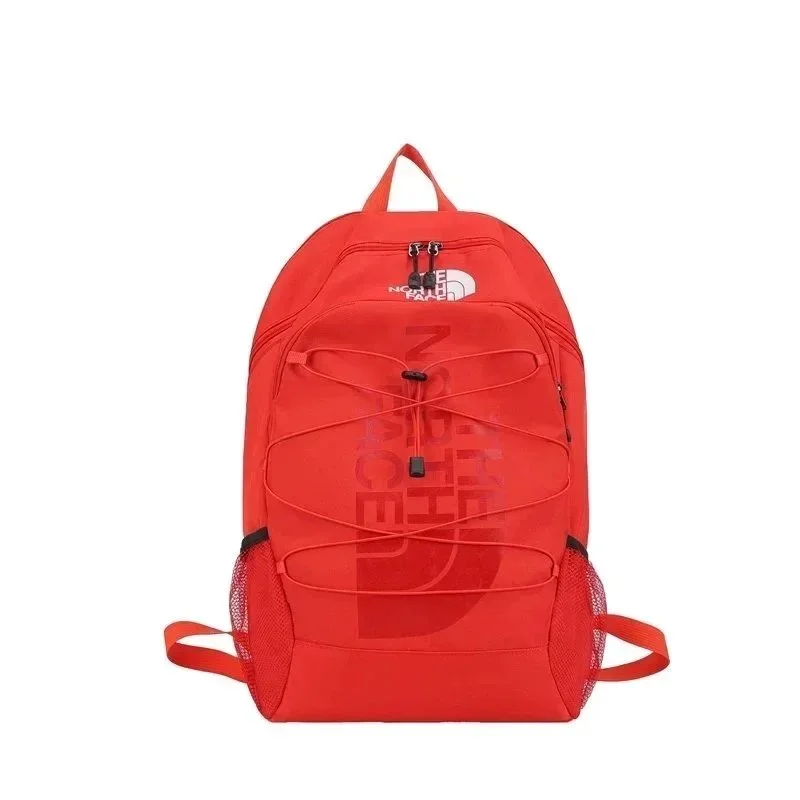 9 QC photos
720 g package reference
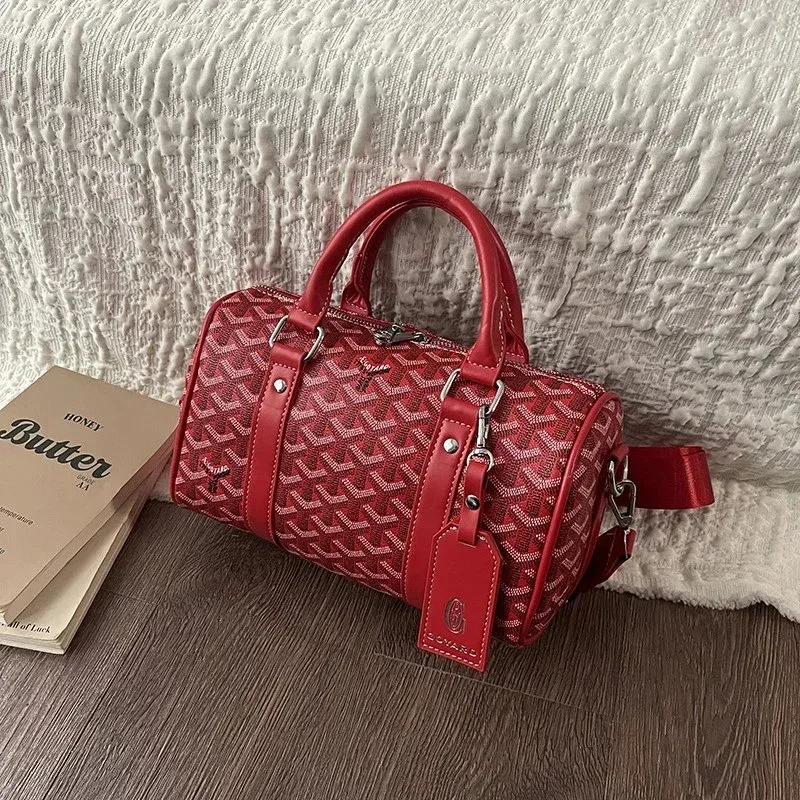 2 QC photos
Item price estimate · shipping extra
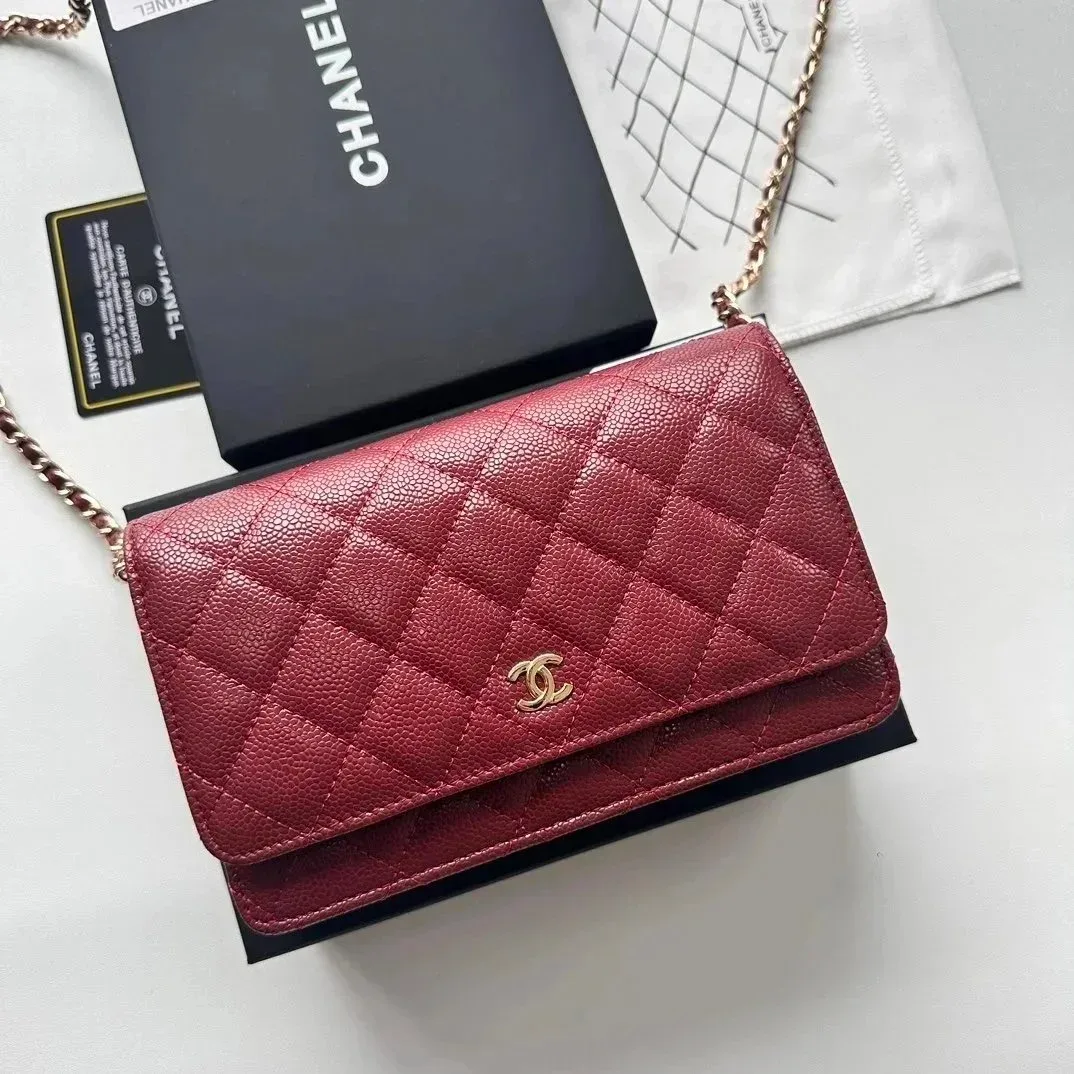 80 QC photos
520 g package reference
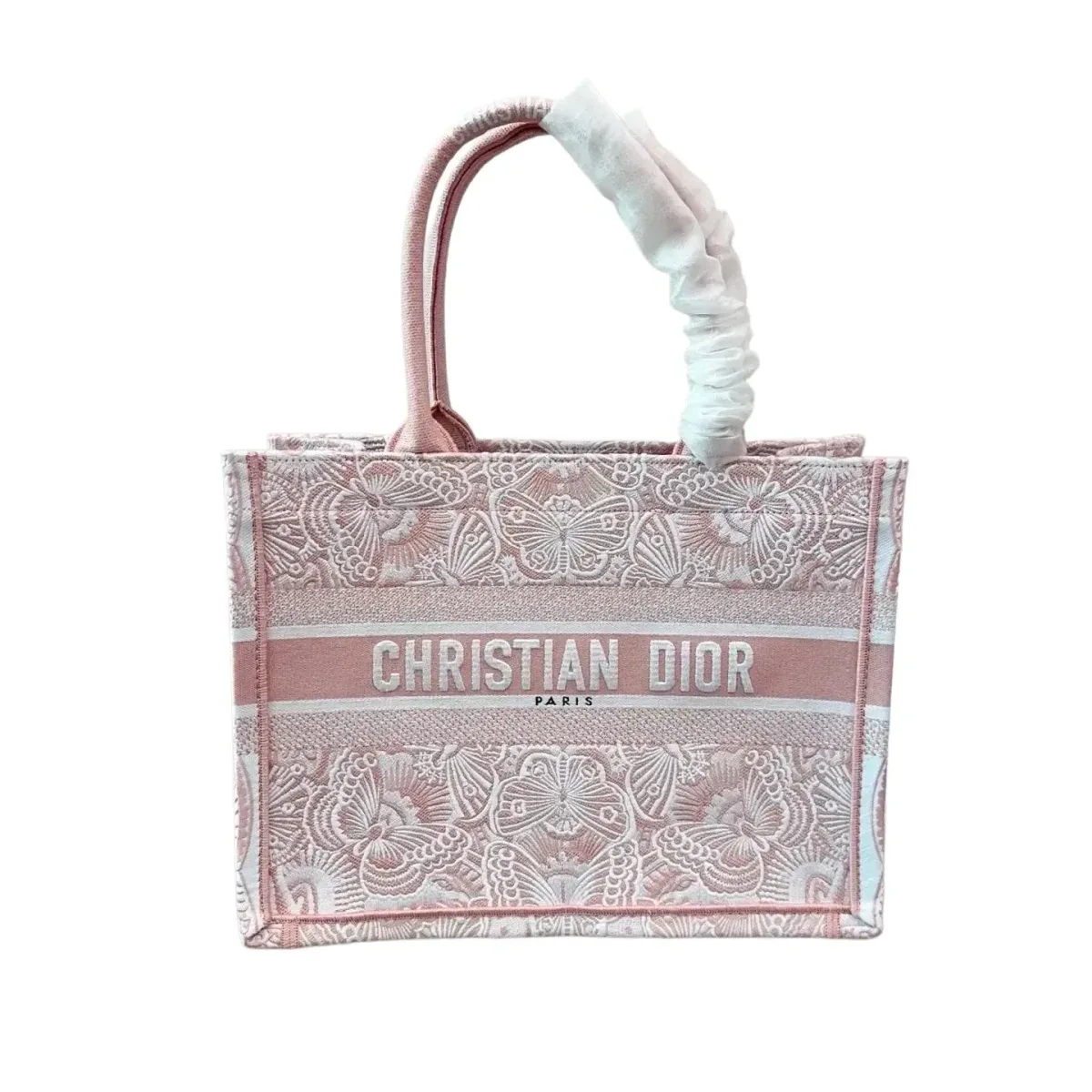 22 QC photos
875 g package reference
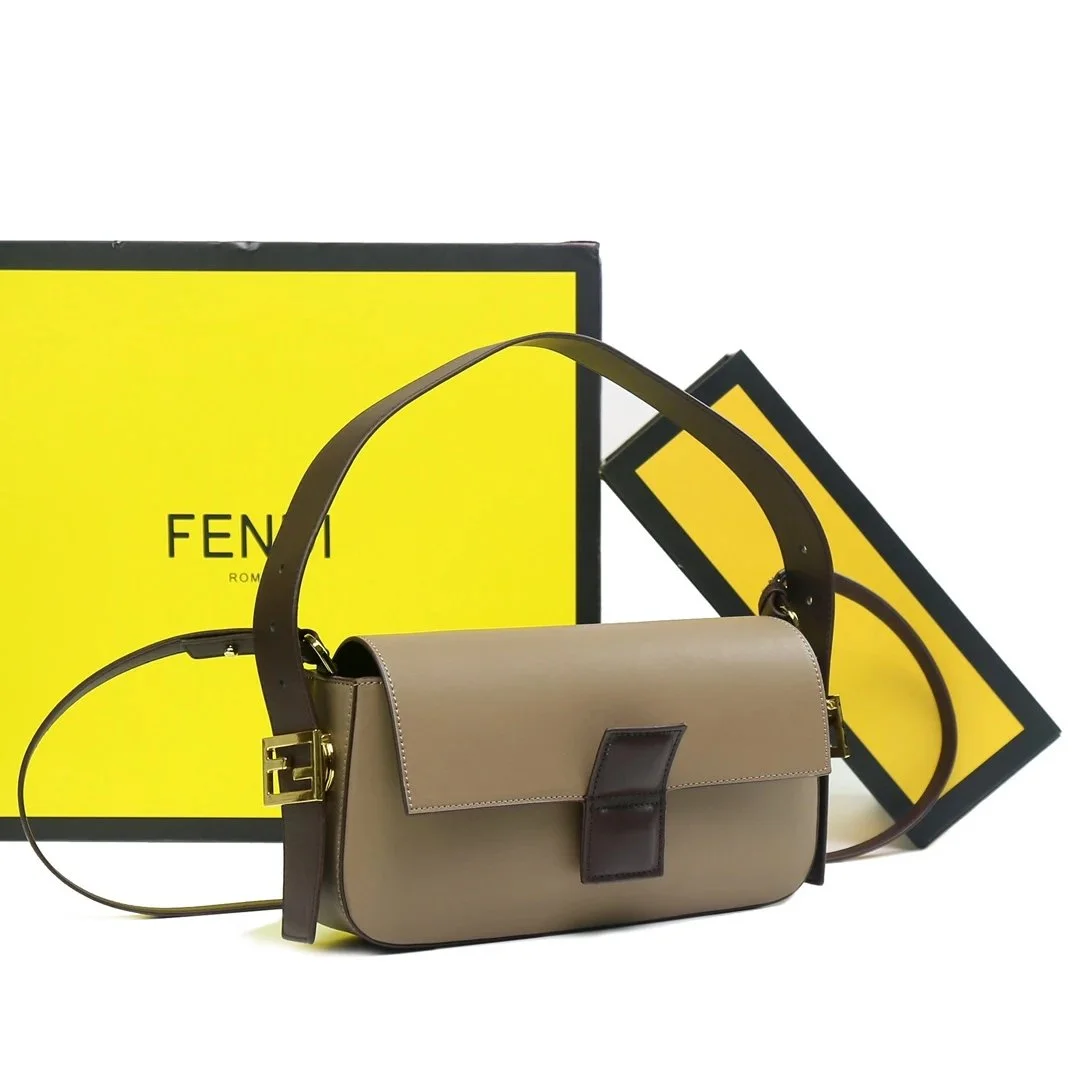
Item price estimate · shipping extra
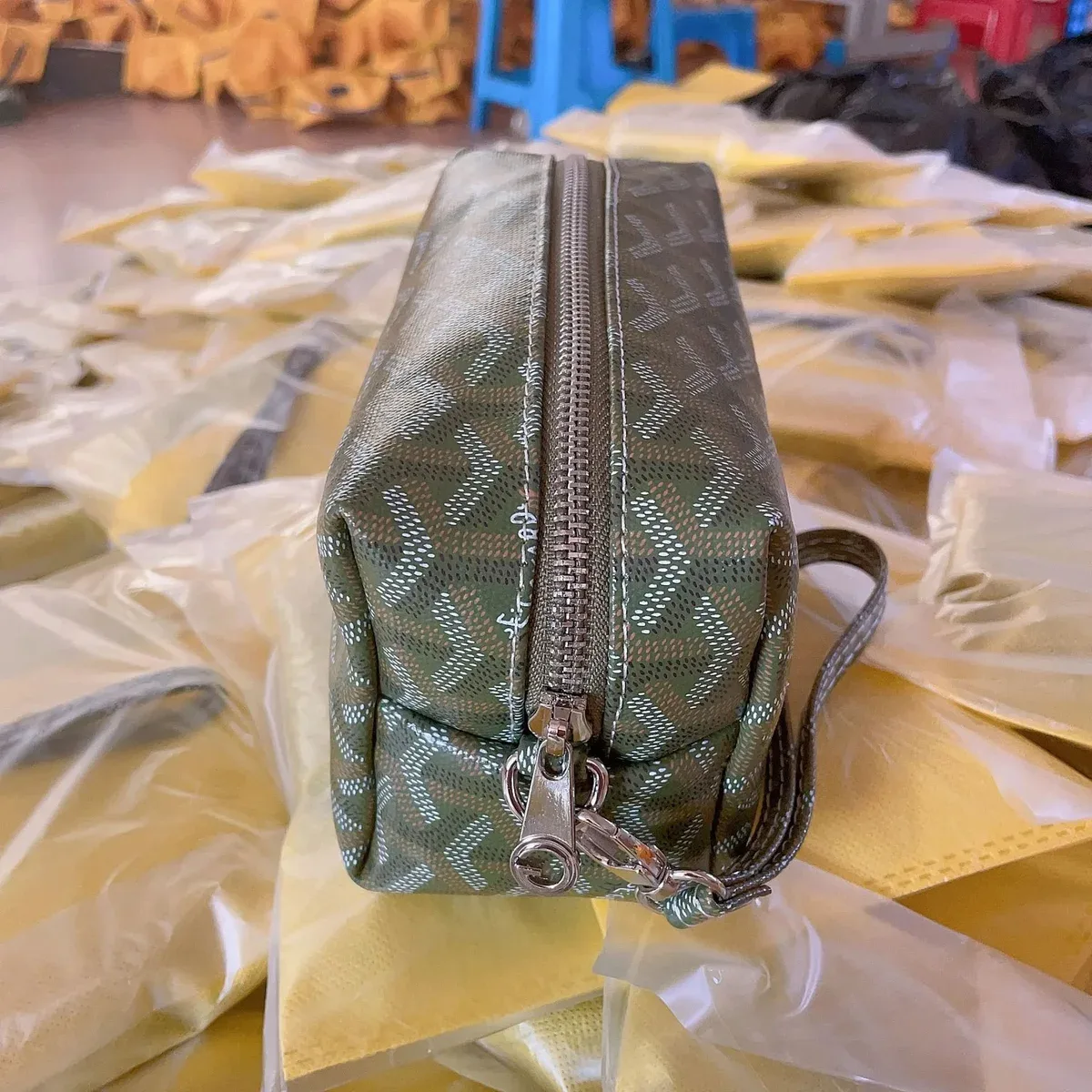 2 QC photos
Item price estimate · shipping extra
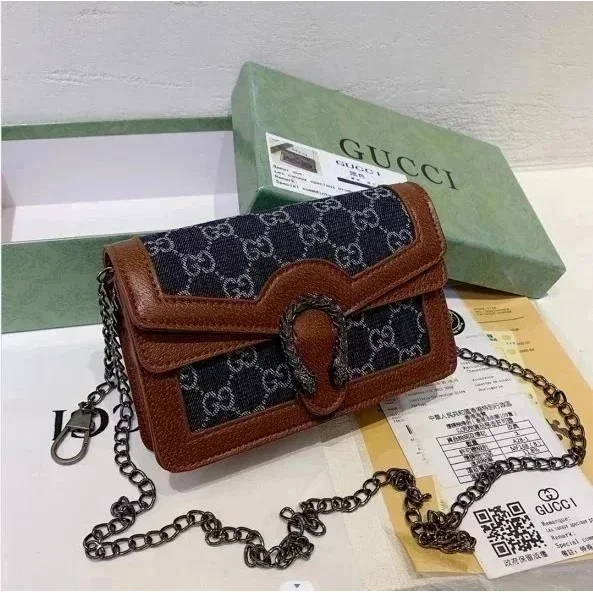 15 QC photos
590 g package reference
Prices are approximate USD item prices, excluding shipping and other charges. Public QC photos may show another order, size or colour. Brand names identify catalog listings and do not verify authenticity.
Browse more bagsBEFORE ORDERING
Exterior width and height do not establish usable storage space. Check the opening and relevant interior dimensions for the items you carry. Strap drop describes the hanging distance to the top of the bag, not the full strap length.
QC photos & detail requestsPRODUCT COMPARISON
Measure the largest item you need to carry, including its case. Compare its width, height and depth with the bag’s opening and usable interior space. A stated exterior size alone does not confirm it will fit.
Check the stated strap length or drop and whether it is adjustable. Compare the same measurement with a comfortable bag you own. Confirm that any detachable strap you need is included in the selected option.
Review the interior as well as the outside of your own order. Check the compartment layout, lining and closure. Request a closer view of any unclear area before submitting the bag for shipping.
For a closer comparison, read what a product-photo reference can establish.
WAREHOUSE REVIEW
After your item reaches the warehouse, match your own order photos to the selected option. Use the checklist below to identify any missing view or measurement. Ask whether an additional photo, measurement or function check is available; these checks are not automatically included.
| What to check | Photo or check to request | Notes & limits |
|---|---|---|
| Will the items I carry fit inside? | Measurements of the opening and relevant interior width, height and depth. | Exterior dimensions do not guarantee clearance through the opening or inside each compartment. |
| Does the strap match my requirements? | The full strap, attachment points and the specific length or drop measurement you need. | A product photo cannot confirm how the bag will sit on your body. |
| Have all the included pieces arrived? | The bag and the pouches, straps or other detachable parts stated in your selected option. | Visible logos and hardware do not independently verify material or authenticity. |
Additional services may carry a charge. Review Orientdig’s detailed-photo services and confirm any separate measurement or function-check request before paying.
QC photo guide ↗COMMON QUESTIONS
No. Compare the laptop and its case with the bag’s usable interior space and opening. The recorded package dimensions describe the packed shipment, which may include wrapping, folding or other packaging.
First check whether the listing gives full strap length, adjustable length range or strap drop. Compare that same measurement on a bag you find comfortable. These values describe different aspects of the carrying position.
Check the contents of your selected option and the photos of your own order. A cover photo may show an extra pouch, strap or other piece that is not included with every version.
Before ordering, confirm the exact product option and current item price. Once it reaches the warehouse, review your own order photos and resolve any outstanding questions before submitting it for delivery. Check the separate shipping quote and your chosen packing options before paying for shipment.
Reviewed 6 November 2026. Manufacturer references explain measurement terms and model identification for their own products. They do not verify the products listed in this catalog.
For a purchase decision, use the exact listing’s specifications and size chart. Confirm current service availability and shipping options with your purchasing agent.
FROM SHORTLIST TO SOMETHING GOOD
Explore the full details, available photo references and styling tools in the full catalog.